Use case
AI audio editor for DJs
Describe a blend, a longer intro or a loudness target in plain English. An AI agent runs real audio tools on your files, on your computer, and you can A/B every take before you keep one.
A real beatmatch, recorded
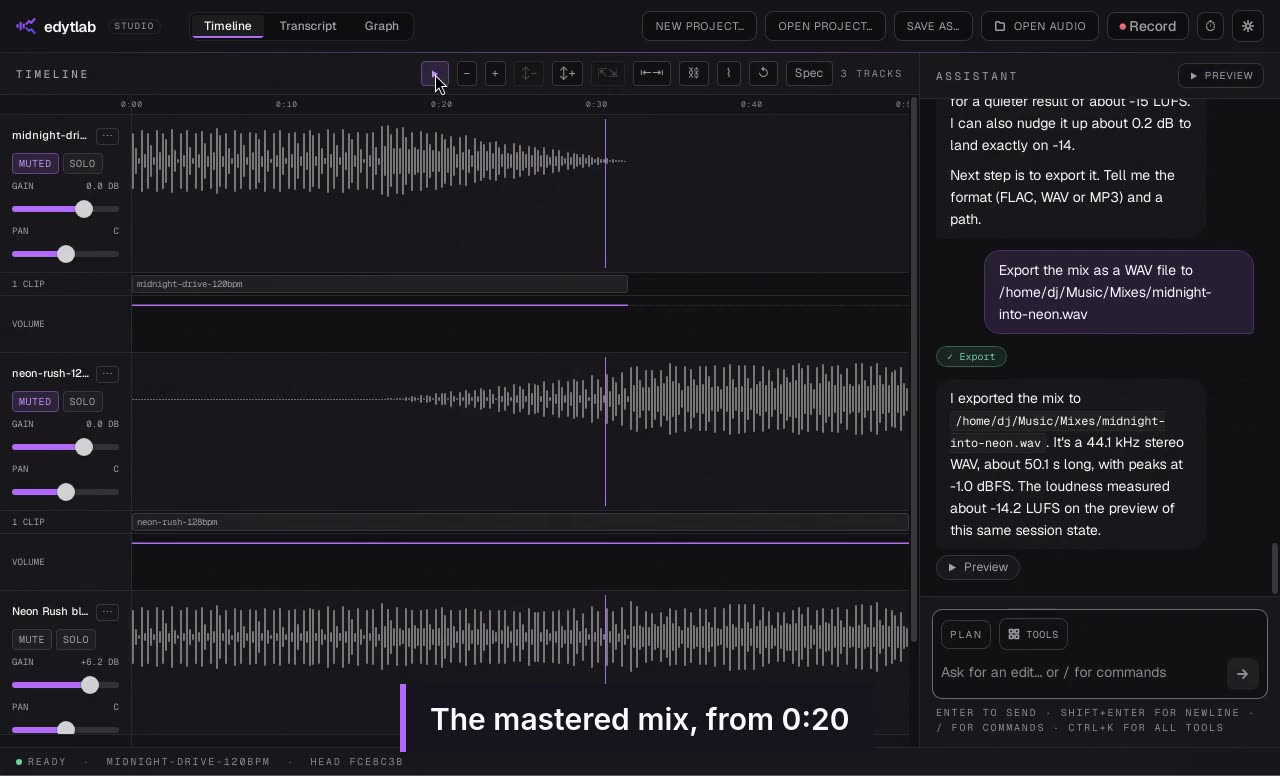
A screen recording of the desktop app, not a mock-up. The DJ asks for a transition and the agent does the rest.
Beatmatch and blend two tracks
A DJ asks for the two tracks' tempos, then Claude time-stretches Neon Rush to Midnight Drive's tempo, keeping its pitch, starts it under Midnight Drive's last 8 bars, and blends the two with a crossfade and a low-pass filter on the outgoing track. The mix is mastered for streaming and exported as a WAV. Playbacks are in real time.
Watch on its own page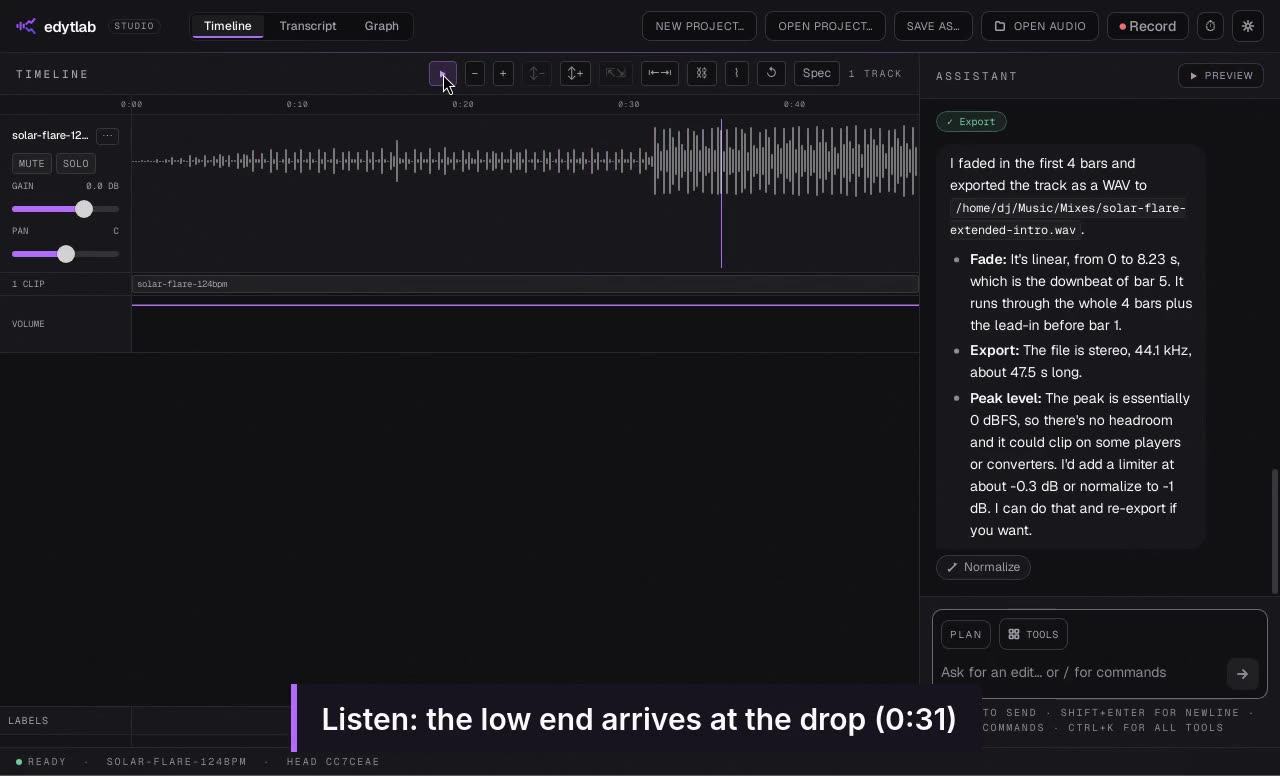 Length 1:39
Extend an intro for mixing
Turn an eight-bar intro into a sixteen-bar one and open a filter into the drop.
Recorded in the real app with Claude, on short synthetic demo tracks. Waits sped up.
 Length 1:42
A three-track mini-mix
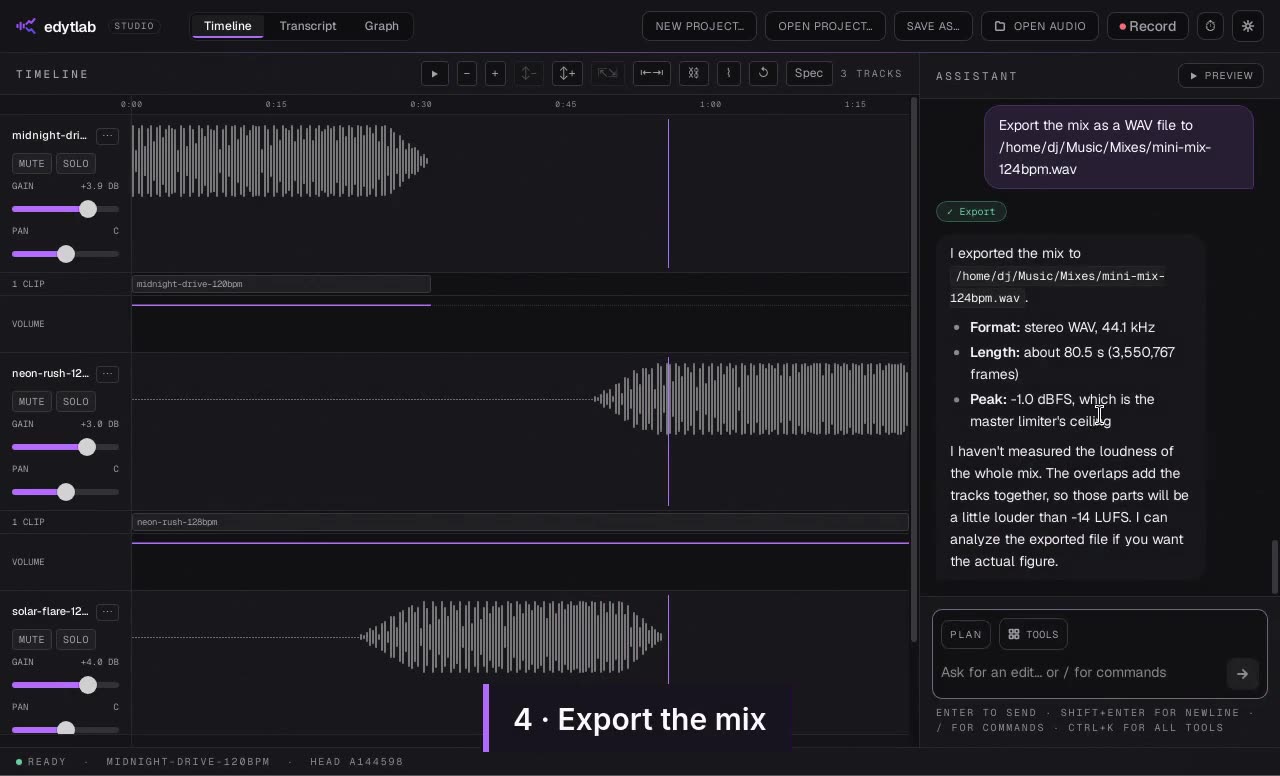
Match three tracks to one tempo, join them with overlapping crossfades and export the mix.
Recorded in the real app with Claude, on short synthetic demo tracks. Waits sped up.
What you can ask for
Each of these is a tool the agent can call; the tools reference lists them all.
- Beatmatching. It reads each track's tempo and beat grid, then time-stretches one to match the other without changing its pitch. For a track whose timing drifts, it can warp the audio so the beats land on a grid.
- Key matching. It reads each track's key and can shift pitch in semitones without changing the length. This is most reliable within about a fifth.
- Extended intros and edits. Copy a region, repeat it, paste it elsewhere, cut a range out or move a clip. Because the agent has the beat grid it can talk in bars rather than seconds, as in the recording above, where the incoming track starts 8 bars before the outgoing one ends.
- Transitions. Fades, crossfades, and low-pass or high-pass filters on a track over the overlap, plus EQ, reverb and echo.
- Loudness and delivery. It measures integrated loudness (EBU R128), compresses and limits, brings the mix to a target such as −14 LUFS, and exports WAV, FLAC or MP3.
Try the blend more than one way
Every edit is a node in a branching history. Fork the session, ask for the incoming track to start 4 bars earlier, A/B the two takes and keep the one you like. Nothing you try is lost, and undo steps back through it.
Your files stay on your computer
Tracks are never uploaded. Only the chat goes to the AI provider you pick, or nowhere at all if you run a local model with Ollama. The local-first AI audio editor page has the details.
What it does not do
- It is a prep tool, not a live one. There are no decks, controllers or real-time mixing.
- Splitting a track into vocals, drums, bass and other is an estimate: each stem carries a little of the others, so an acapella lifted from a full mix is not studio-clean. It runs on your computer after a one-time download of the stem model (about 171 MB), needs about 4 GB of free memory, and takes about half the length of the track.
- Beat and key detection are software estimates. A track with a drifting tempo or a long ambient intro can be off, so check a start point by ear before you commit to it.
- Time-stretch and pitch-shift are clean on sustained material, but dense mixes can sound smeared, and the further the change is from 1.0 the more it shows.
- It needs an AI provider: your own key for a hosted one, or Ollama for a local model.
Get started
edytlab is free and open source (MIT) for macOS, Windows and Linux. Download it from the releases page; the current builds are unsigned, so macOS and Windows warn on first launch, and the getting started guide has the steps. The user guide covers the other things the agent can do.