Full walkthrough
Beatmatch and blend two tracks
Bring two tracks to the same tempo, line up the bars and blend them with a crossfade.
2:23 · Recorded in the real app with Claude, on short synthetic demo tracks. Waits sped up.
A DJ asks for the two tracks' tempos, then Claude time-stretches Neon Rush to Midnight Drive's tempo, keeping its pitch, starts it under Midnight Drive's last 8 bars, and blends the two with a crossfade and a low-pass filter on the outgoing track. The mix is mastered for streaming and exported as a WAV. Playbacks are in real time.
What you will see · 12 moments
- 0:00A DJ blends Midnight Drive into Neon Rush
- 0:02Open the tracks
- 0:09Before: both tracks from the top, at different tempos
- 0:201 · What am I working with?
- 0:332 · Beatmatch
- 0:433 · Line up the overlap
- 0:544 · Blend: crossfade, low-pass on the outgoing track
- 1:11Listen: the transition, from 0:12
- 1:325 · Master for streaming
- 1:526 · Export
- 2:03The mastered mix, from 0:20
- 2:19Done: midnight-into-neon.wav, 0:50, -14 LUFS
More to watch
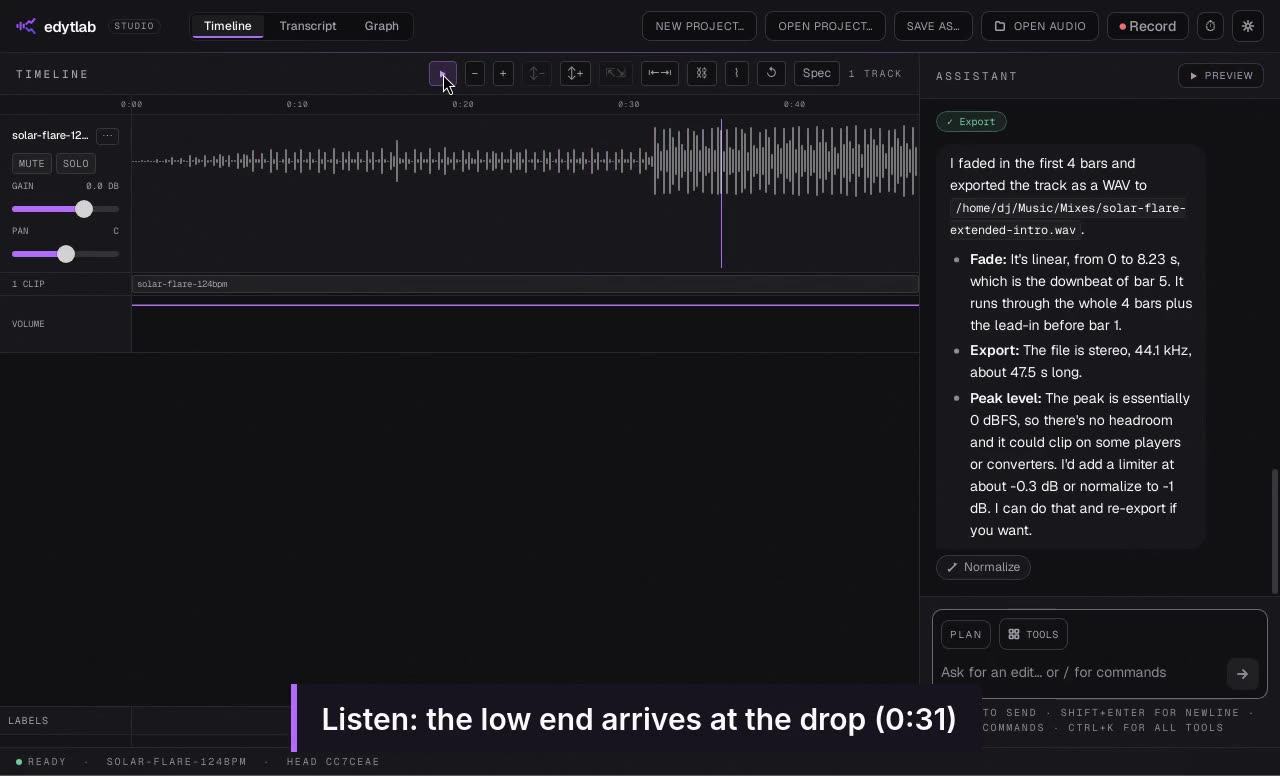 Length 1:39
Extend an intro for mixing
Turn an eight-bar intro into a sixteen-bar one and open a filter into the drop.
Recorded in the real app with Claude, on short synthetic demo tracks. Waits sped up.
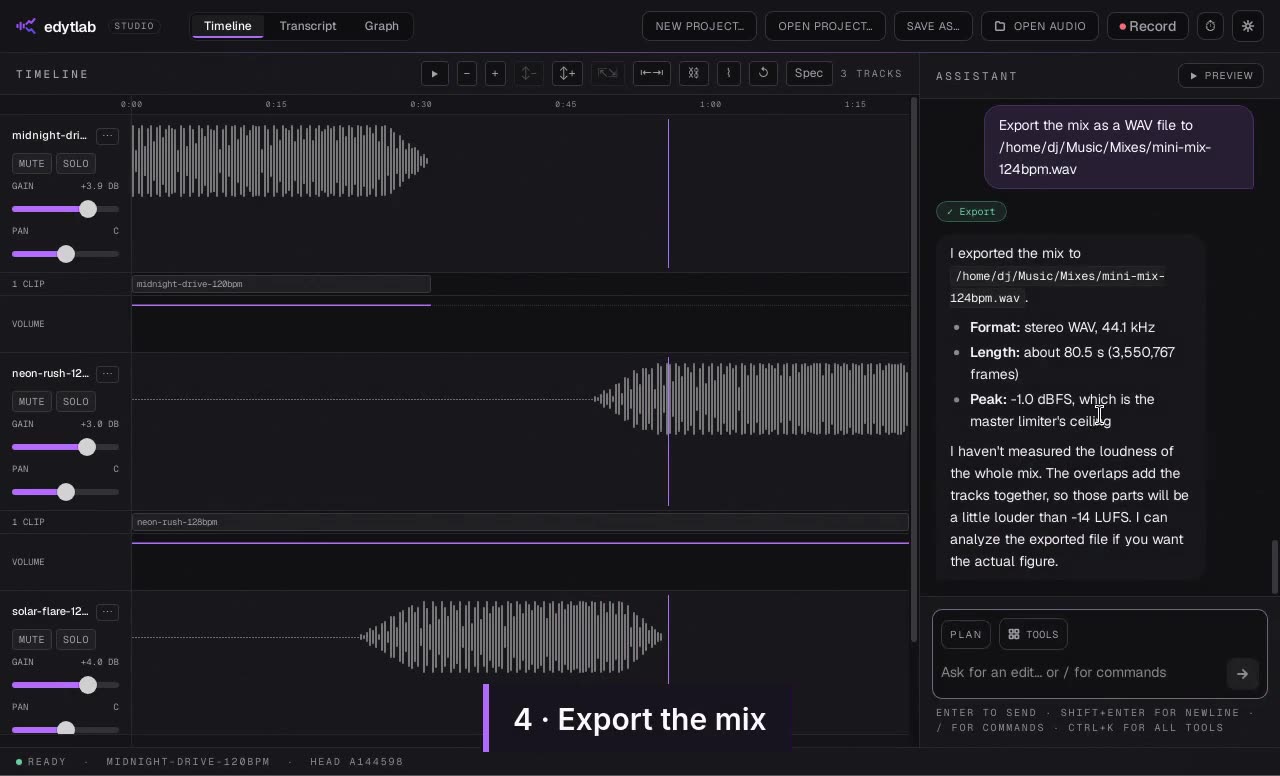 Length 1:42
A three-track mini-mix
Match three tracks to one tempo, join them with overlapping crossfades and export the mix.
Recorded in the real app with Claude, on short synthetic demo tracks. Waits sped up.
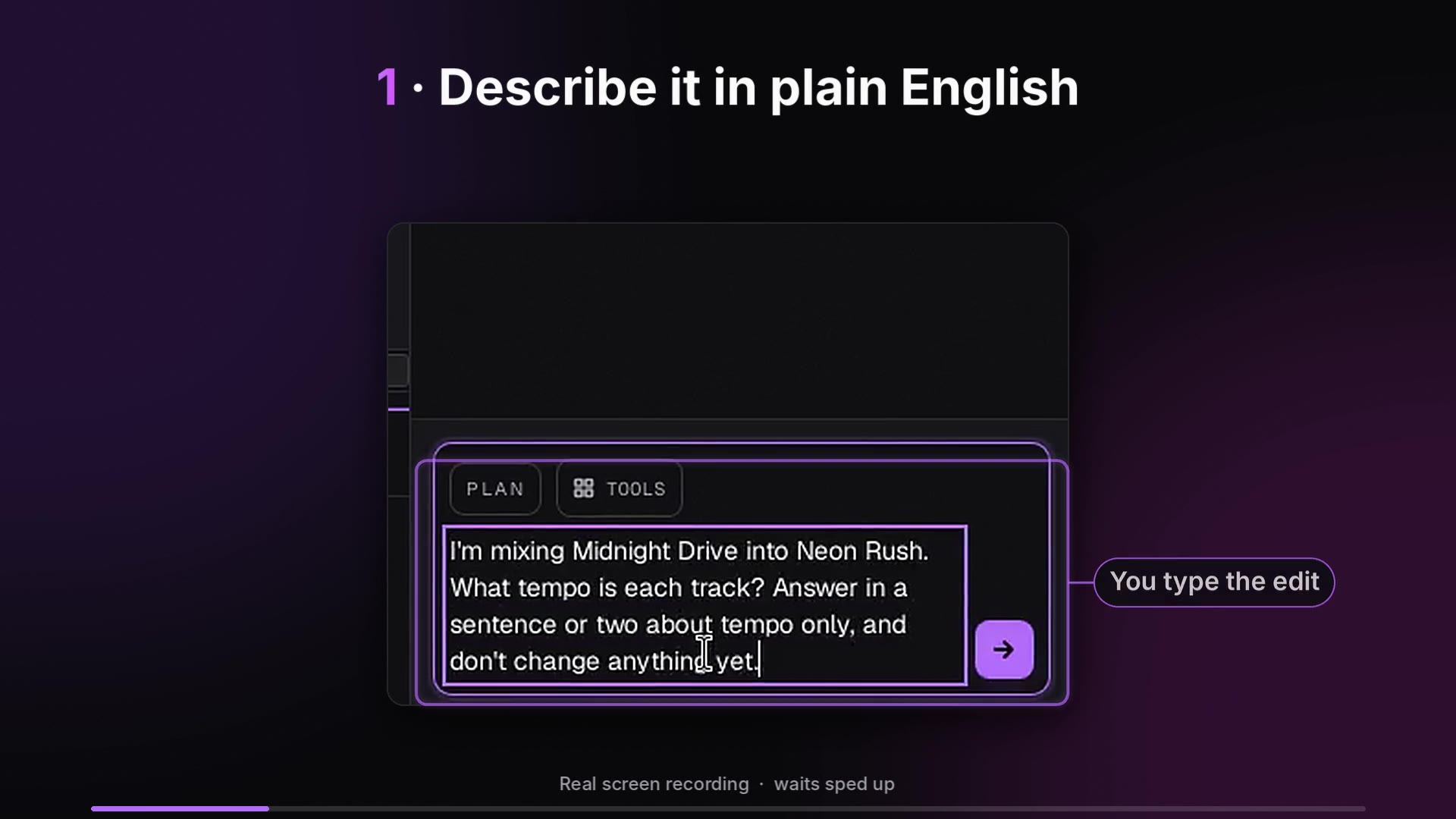 Length 0:58
edytlab in a minute: from request to exported mix
Describe a blend in plain English, hear the transition, then master and export the mix.
Real screen recordings of the app on short synthetic demo tracks. Waits sped up.
Try it on your own audio
edytlab is free and open source (MIT) for macOS, Windows and Linux.
The installers are unsigned, so macOS and Windows warn the first time you open edytlab; the setup guide has the steps.