Short clip
Beatmatch and blend two tracks
Beatmatch two tracks, blend them and export a mix at streaming loudness.
0:50 · Cut from the full recording, with the app's own sound. Waits sped up.
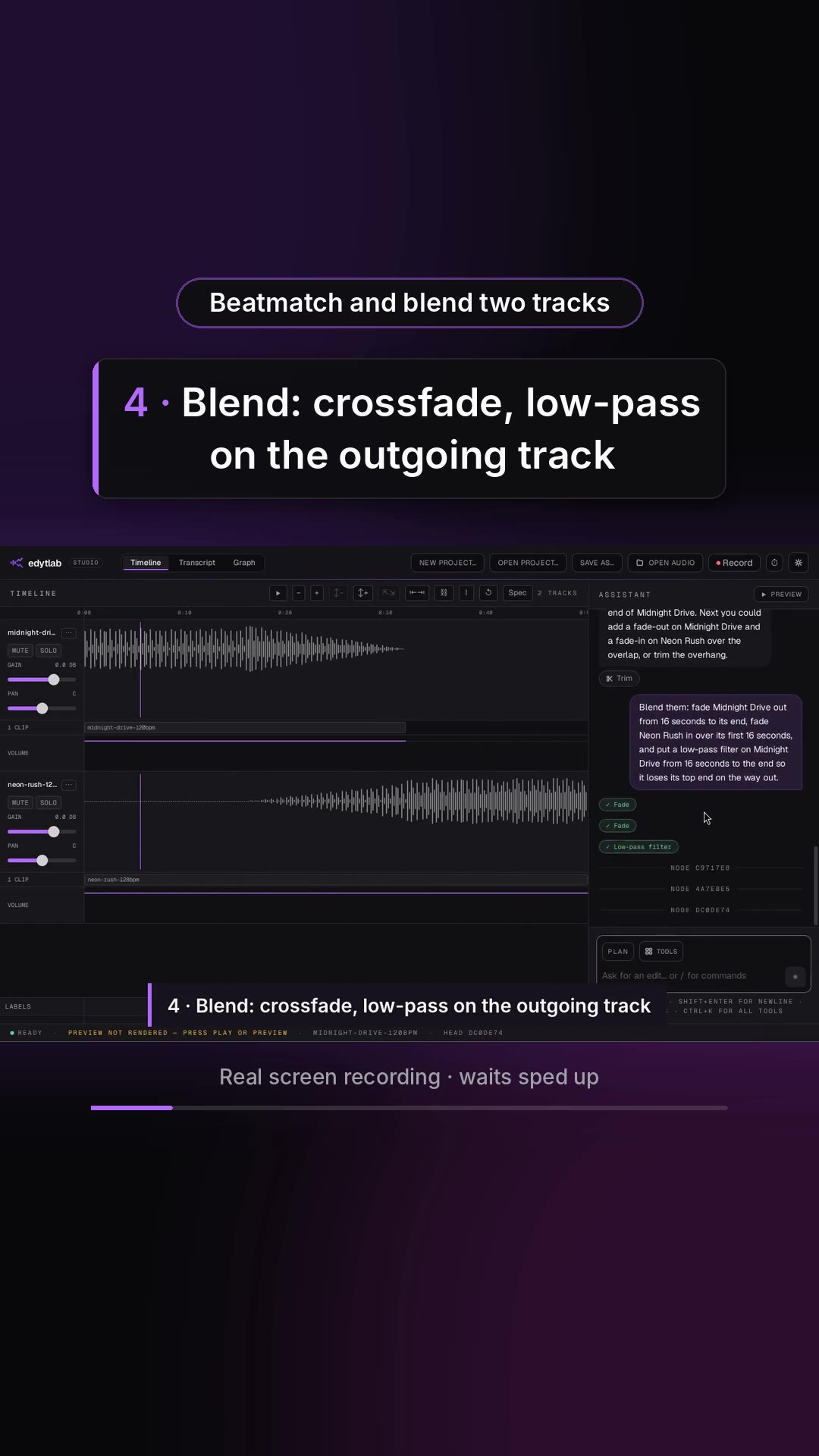
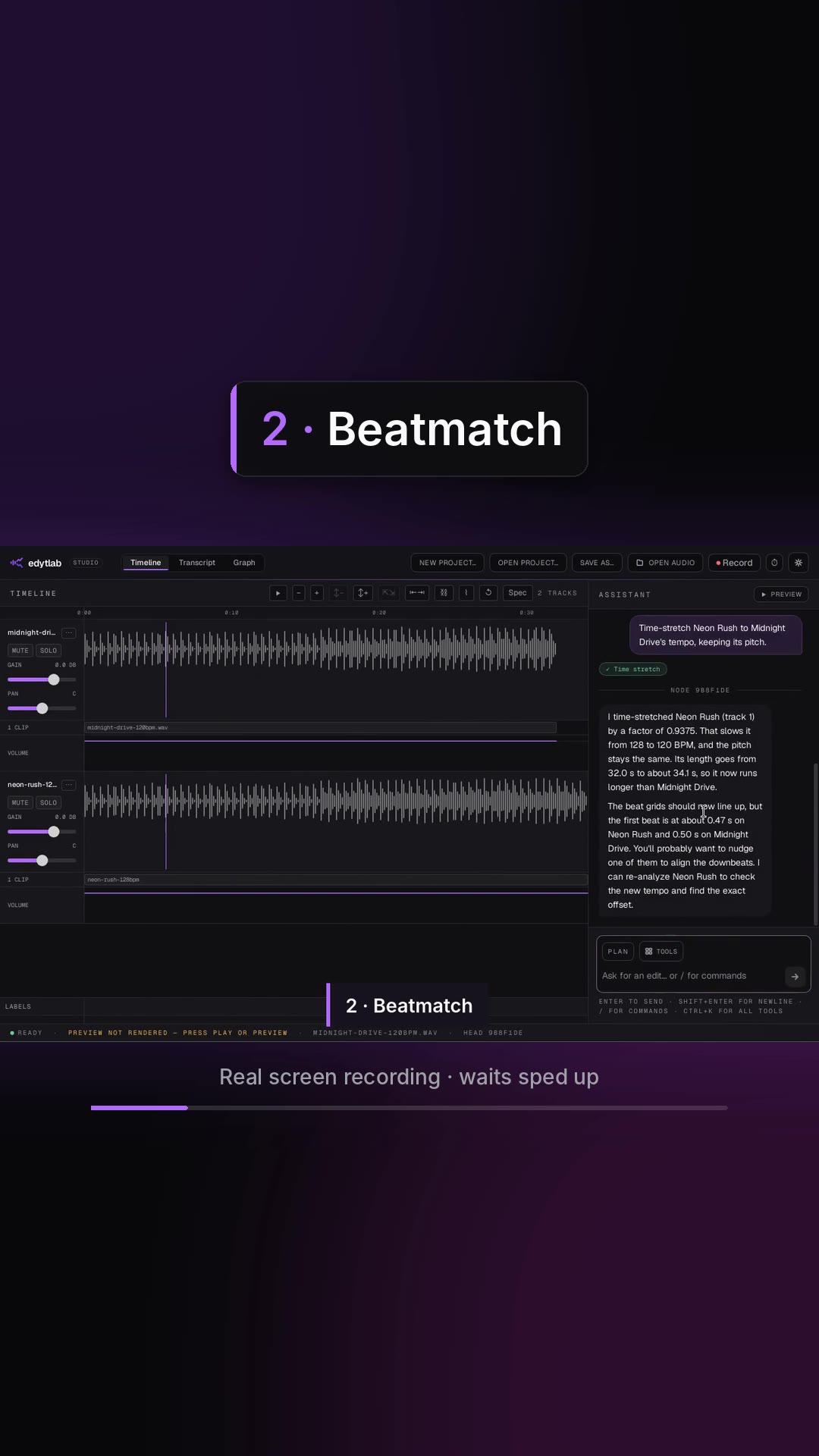
Midnight Drive into Neon Rush: what the two tracks are, the beatmatch, lining up the overlap, the crossfade with a low-pass on the outgoing track, both listening moments, mastering for streaming, and the exported WAV at about −14 LUFS.
What you will see · 10 moments
- 0:00Beatmatch two tracks. Just ask.
- 0:021 · What am I working with?
- 0:072 · Beatmatch
- 0:123 · Line up the overlap
- 0:164 · Blend: crossfade, low-pass on the outgoing track
- 0:21Listen: the transition, from 0:12
- 0:315 · Master for streaming
- 0:36The mastered mix, from 0:20
- 0:43Done: midnight-into-neon.wav, 0:50, -14 LUFS
- 0:47edytlab · Free, open source · edytlab.com · macOS · Windows · Linux
More to watch
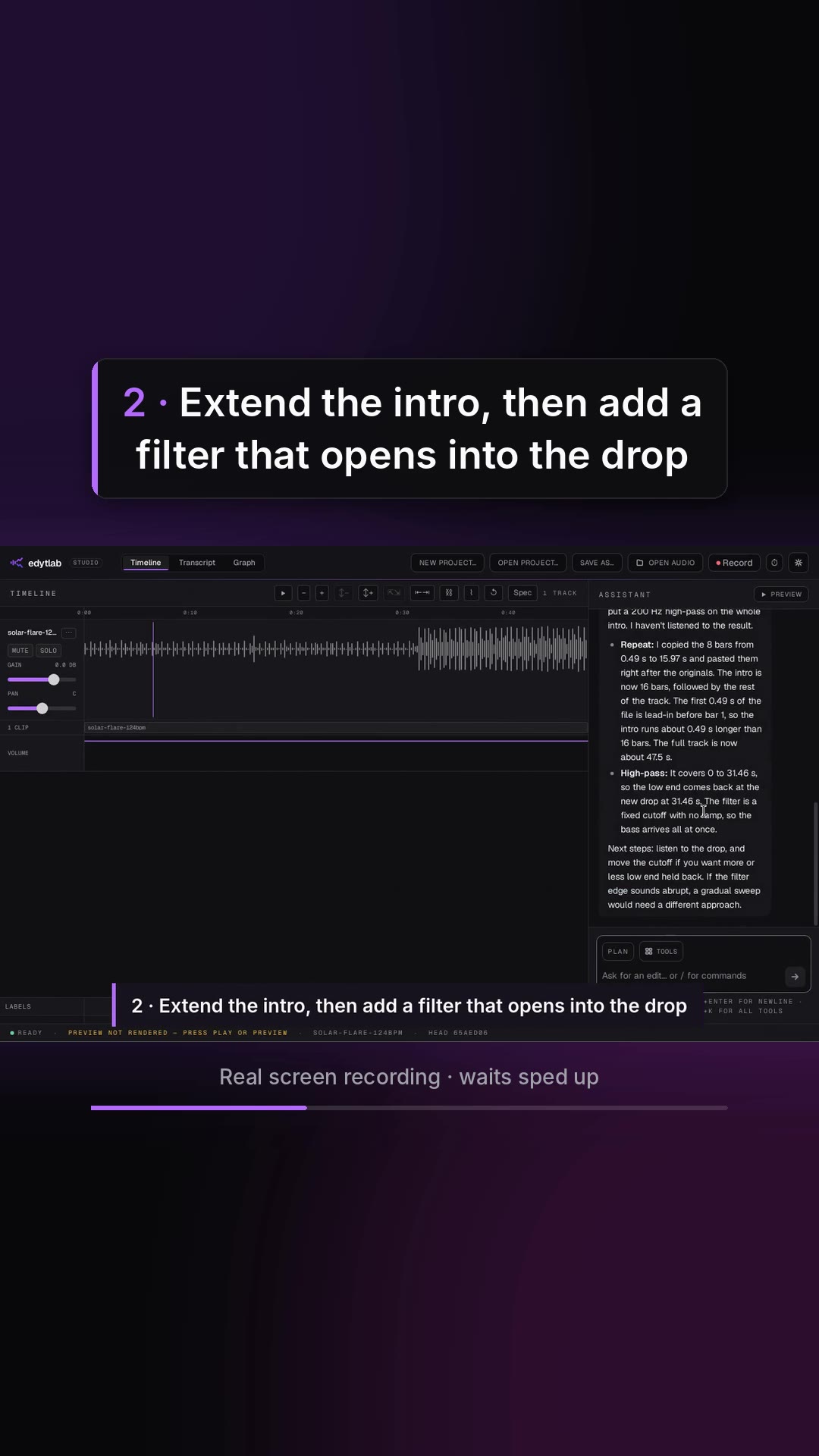 Length 0:39
Extend an intro for mixing
Cut from the full recording, with the app's own sound. Waits sped up.
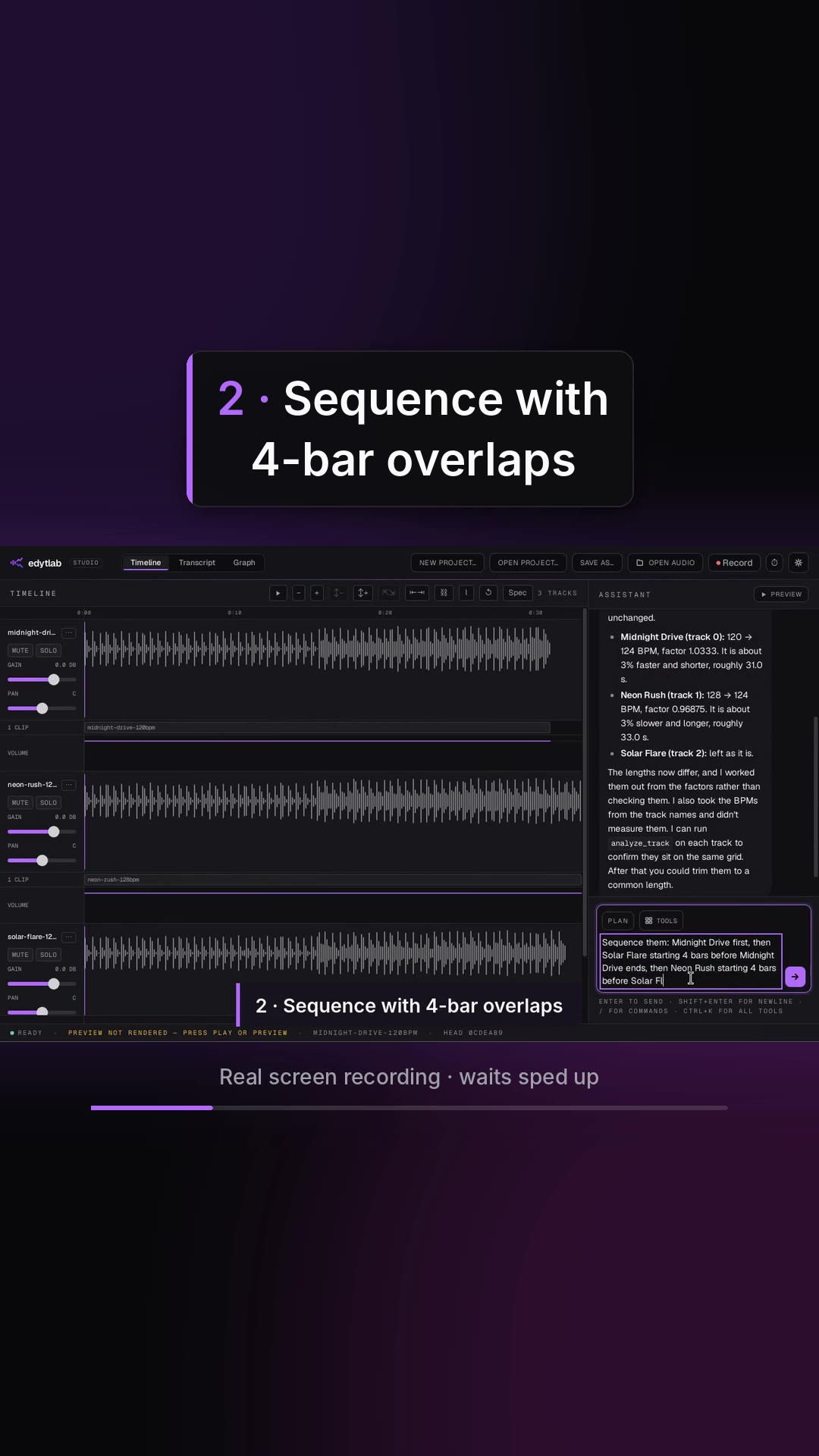 Length 0:42
A three-track mini-mix
Cut from the full recording, with the app's own sound. Waits sped up.
 Length 1:02
Highlights: three DJ jobs in a minute
Cut from the full recordings, with the app's own sound. Waits sped up.
 Length 0:15
Teaser: ask for a blend, hear the result
Cut from the full recordings, with the app's own sound. Waits sped up.
Try it on your own audio
edytlab is free and open source (MIT) for macOS, Windows and Linux.
The installers are unsigned, so macOS and Windows warn the first time you open edytlab; the setup guide has the steps.